When I first heard about blood pressure apps, I was curious. The idea of tracking something so important right from my phone felt both modern and a bit futuristic. Today, these apps are everywhere, offering to help us monitor our numbers, spot patterns, and feel more involved in our health. But how do they really work? And can they make a difference in daily life?
Why tracking blood pressure matters
I have noticed that many people underestimate the impact of their blood pressure until they visit the doctor for something unrelated and get a strange reading. According to doctors I have talked to, high blood pressure is known as the “silent” condition for good reason, because it usually shows no signs until it gets dangerous. This is why I think regular monitoring is valuable, even for those who believe they are in perfect health.
- It can help detect hidden problems early.
- It provides a sense of control and awareness.
- It supports conversations with healthcare professionals.
For those who feel anxious at the doctor, home tracking also helps reduce “white coat syndrome,” where blood pressure rises in medical settings.
What blood pressure apps actually do
I often get asked, “Can these apps really measure my blood pressure?” The answer is, in my experience: most cannot do the measuring directly. Instead, most blood pressure apps are designed to help you record, organize, and understand your readings. Typically, you need to use a proper blood pressure cuff (manual or automatic) and input the results into the app.
They turn numbers into insight.
These apps offer:
- User-friendly interfaces for adding readings by hand or syncing with certain bluetooth home monitors
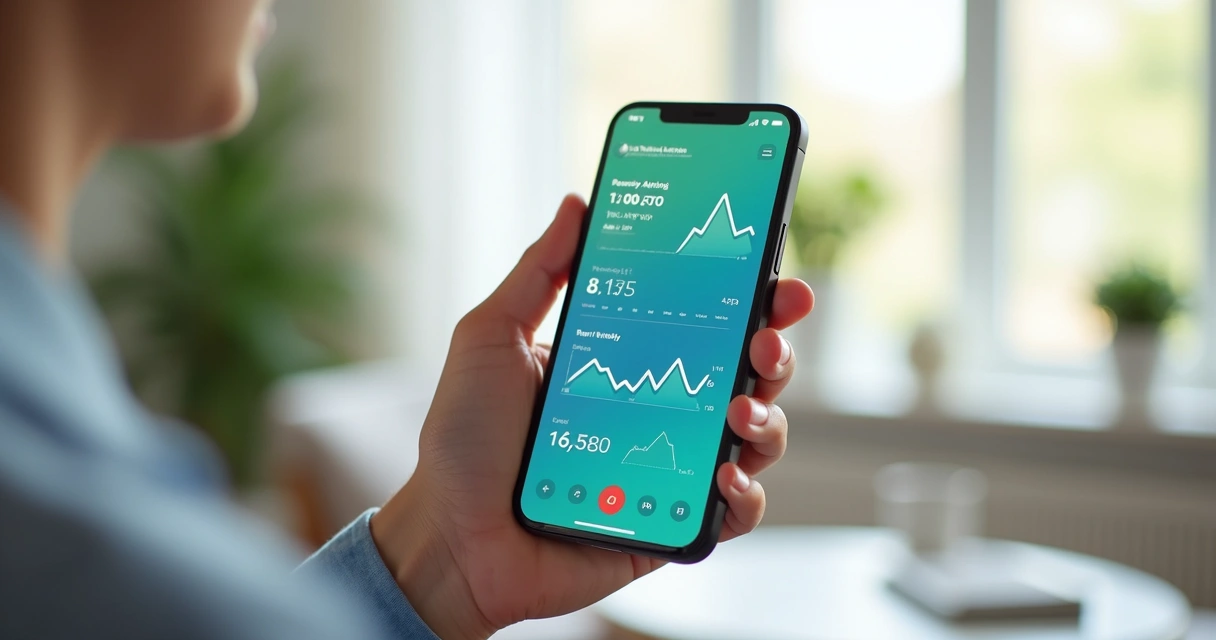
- Simple graphs and charts to see trends over days, weeks, or months
- Reminders to check your blood pressure at scheduled times
- Export options to send your results to your doctor by email or PDF
- Notes sections to add details such as medication, meals, or activities
Some apps go further, offering features like color coding for high/low readings or the ability to track related numbers such as pulse, weight, or blood sugar.
My experience using blood pressure apps
I decided to try using blood pressure apps for a few weeks when my doctor suggested I keep a log. At first, I found it a bit tedious to remember each reading and add it in. But after a few days, the routine became automatic. What surprised me was how much the graphs helped me spot patterns.
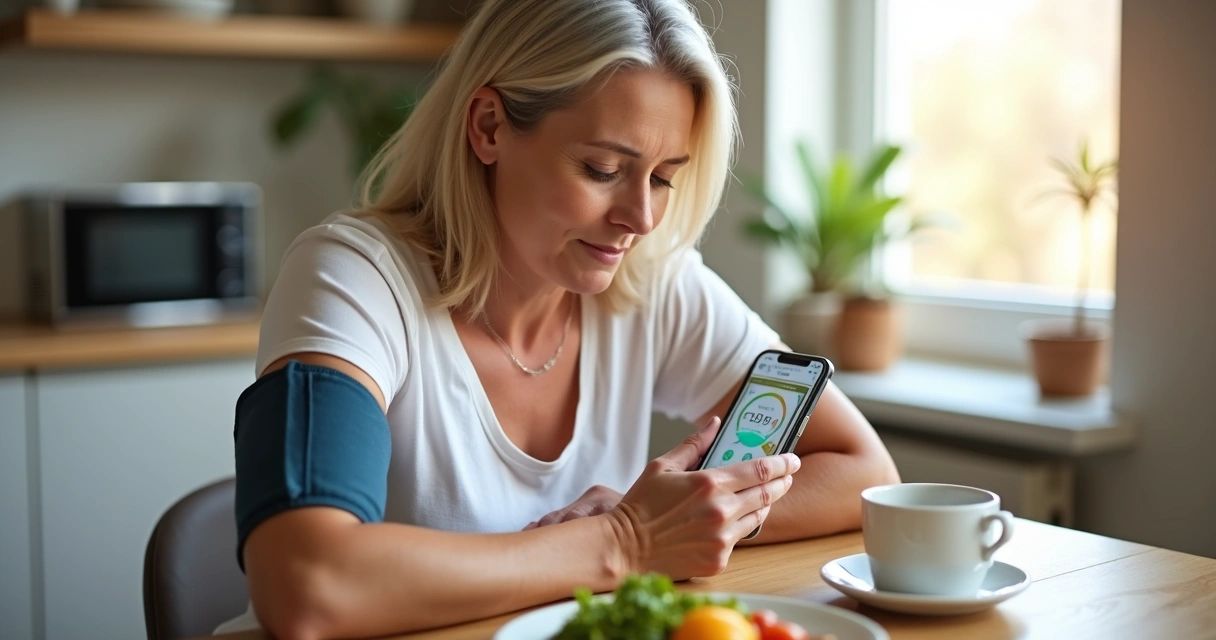
One week, I noticed more high readings in the evening. Looking closer, I saw a connection with stressful workdays. In another week, after cutting down my salt intake, my numbers dropped back closer to normal. Having this easy access to information gave me a new sense of awareness.
Key features to look for in a blood pressure app
With so many apps available, it is easy to feel a bit lost while searching for one that fits your needs. In my opinion, the best way to start is to look for those with features that make logging and understanding your numbers simple. Here is a list of what I consider most helpful:
- Ease of use: Clear screens, large buttons, and fast entry options
- Analysis tools: Graphs that let you see daily, weekly, and monthly averages
- Reminders: Notifications or alerts for when it is time to check your blood pressure
- Data backup: Secure storage and the ability to restore your information if you change phones
- Exporting and sharing: Quick ways to send logs or charts to healthcare providers
- Customization: Areas to add personal notes about medication, symptoms, or special activities
Accessibility is also something I consider important, especially for older users or those with vision difficulties. Apps that provide bigger fonts, higher contrast, or even voice entry can make a significant difference in daily use.
How to use blood pressure apps for best results
I have picked up some tips over time that make the experience smoother and more meaningful. These simple habits helped me make the most of my blood pressure tracking:
- Take your blood pressure at the same time every day, ideally after a few minutes of rest.
- Sit in a calm space with your feet flat on the floor and your arm supported.
- Use the same device whenever possible for consistency.
- Always enter your readings right after taking them, so nothing gets lost.
- Add a short note if something unusual happened (stress, exercise, big meal, etc.).
Consistency is what turns data into real knowledge about your health.
Many people, myself included, find that sharing results with a doctor or nurse can make appointments much more productive. It gives the providers context, lets them see trends at a glance, and sometimes even avoids the stress of rushed readings during a visit.
What to remember before relying on these apps
As good as these apps are for helping you track blood pressure, there are a few things I always keep in mind:
- They are tools for logging and reviewing data, not a replacement for a medical device or professional advice.
- If your readings are unusual or you feel unwell, always seek care from a real doctor.
- Be careful about privacy—choose apps with clear policies and good security if you are saving health information.
It can feel convenient to have everything in your phone, but personal judgment and professional advice should still guide serious health decisions.
Conclusion: Tech and health—making tracking easier
Looking back at my experience, I see blood pressure apps as practical helpers. They do not do the checkups for us, but they make the process easier, more organized, and much less intimidating. For anyone who wants to pay closer attention to their heart health, or who needs to keep their numbers on hand, these apps can really help.
Simple tools, lasting peace of mind.
Frequently asked questions
What is a blood pressure app?
A blood pressure app is a mobile application designed to help users track and manage their blood pressure readings easily. Most serve as digital logs, offering features for entering results, reviewing trends, and sharing data with health professionals.
How do blood pressure apps work?
Blood pressure apps work by allowing you to manually enter your readings or, in some cases, sync data from compatible blood pressure monitors through Bluetooth. The app organizes this data into charts, sets reminders, and can export logs for medical appointments.
Are blood pressure apps accurate?
The accuracy of blood pressure apps depends on the source of the readings. The most reliable approach is to use a validated blood pressure monitor and log its results in the app, instead of trying to measure directly with your phone. Apps help organize your numbers—they do not measure your blood pressure themselves.
What are the best blood pressure apps?
The best blood pressure app depends on your needs. Some users need simple, easy logging; others value export features and detailed charts. I suggest looking for apps that offer user-friendly design, data backup, and strong privacy features. Try a few trusted options to see which feels best to you.
Is it worth it to use these apps?
If you want to take a more active role in your health, and see how your habits affect your blood pressure, then using these apps is definitely worth it. They make tracking simple, reveal helpful patterns, and support better discussions with your doctor.